Reporting that starts with your job—not everyone else’s.
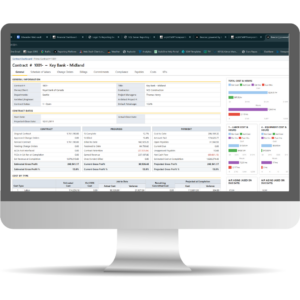
Beacon powered by BuildOne Partners turns Vista data into a reporting experience built around the people who actually use it. Role-specific dashboards, live Vista data, curated reports, and time-saving views put the right information in front of the right person from the moment they log in.
With Beacon. See your job, not everyone else’s.
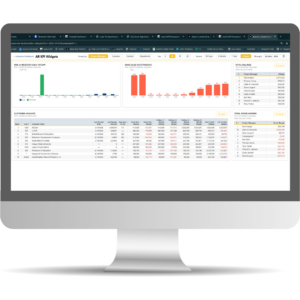
Your role. Your numbers. Now
Your Controller and Project Manager shouldn’t have to start from the same screen.
Beacon gives each user a more relevant starting point with Corporate and Operations Dashboards and role-specific KPI areas for AR, AP, Cash & Liquidity, and General Ledger.
Instead of navigating through someone else’s workflow, users can start with the numbers that matter to their job.
Less hunting. Faster answers. A reporting experience that feels built for the person using it.
Your Vista data, live.
Exports and snapshots start aging the moment they’re created.
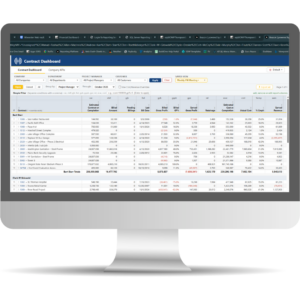
Beacon connects read-only to your Vista SQL Server, so dashboards and reports reflect the current data in your Vista environment—not last week’s spreadsheet or a point-in-time export.
Not a snapshot. Not an export. Your Vista data, live.
That means teams can spend less time wondering whether they have the latest numbers and more time acting on them.
Reports for your company.
More reports don’t necessarily make reporting easier. The right reports do.
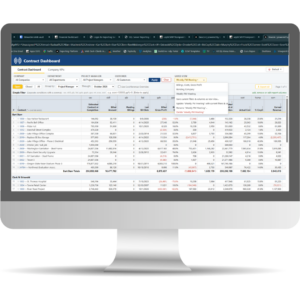
With Beacon’s Company Library, your ClientAdmin controls which reports are available to each user or group. Reports can be organized, renamed, and described using terminology your team already understands.
Users don’t have to sort through a generic catalog to figure out what applies to them.
Your report library, organized by someone who knows your company—not a generic list.
Save it once. Never re-filter again.
The reports you run most often usually need the same parameters again and again: the same job, company, date range, or other filters.
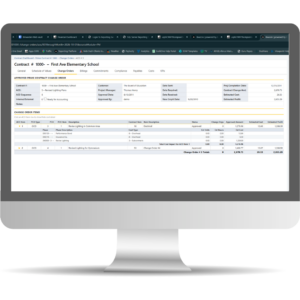
Beacon’s Named Saved Views let users—or their admins—save those combinations once and return to them with a click.
For weekly job reviews, recurring accounting work, and month-end reporting, those small time savings add up quickly.
Set your view once. Get back to the work that matters.
A reporting library that keeps getting better.
Your reporting needs don’t stop with what’s available on day one. Neither does Beacon.
Report Requests give customers a direct way to ask for reporting they need, while Community Reports make it possible for useful reports created for one customer to become available to others.
You may find that the report you need has already been built.
Ask for the report you need. If someone else already built it, you may already have it.
Instead of treating every new reporting need like a new development project, Beacon creates a growing library that becomes more useful over time.

Your Vista data, live.
Exports and snapshots start aging the moment they’re created.
Beacon connects read-only to your Vista SQL Server, so dashboards and reports reflect the current data in your Vista environment—not last week’s spreadsheet or a point-in-time export.
Not a snapshot. Not an export. Your Vista data, live.
That means teams can spend less time wondering whether they have the latest numbers and more time acting on them.